
Apache OpenOffice Math
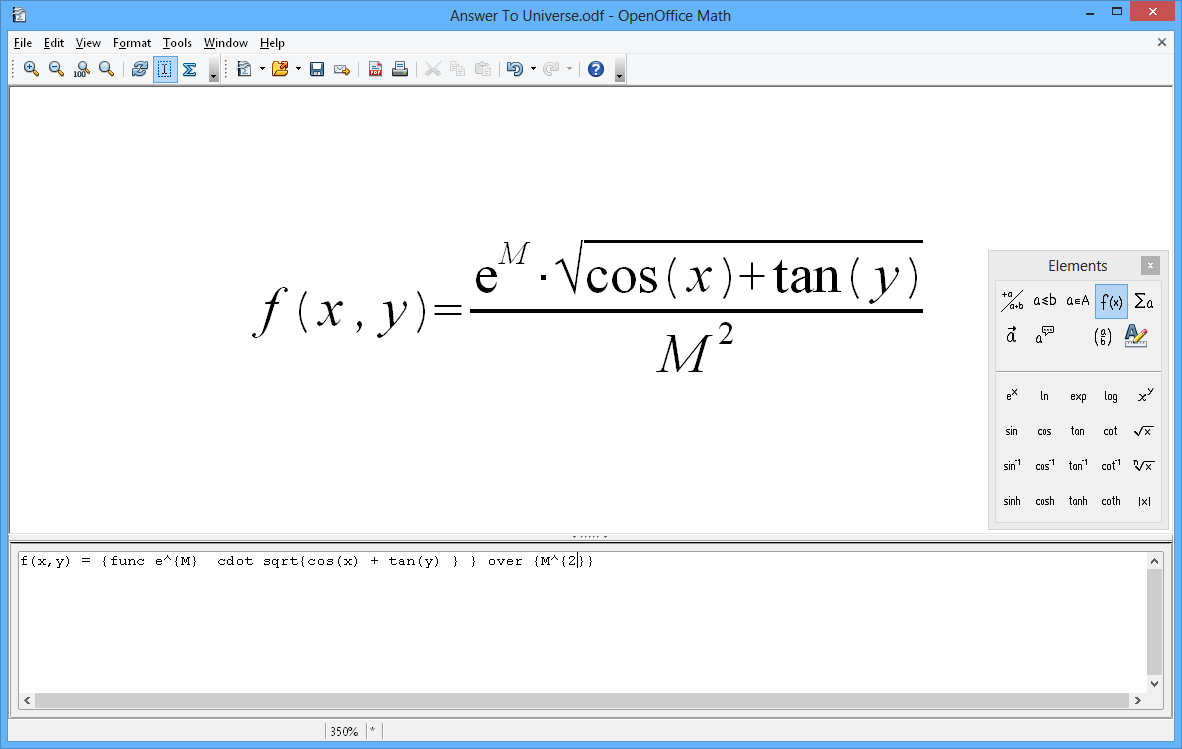
Simple to create equations and formulae for your documents!
Math is Apache OpenOffice’s component for mathematical equations. It is most commonly used as an equation editor for text documents, but it can also be used with other types of documents or stand-alone. When used inside Writer, the equation is treated as an object inside the text document. Similarly, one can also insert these into other Apache OpenOffice programs like Calc and Impress.
Using Math, there are three main ways of entering a formula:
- Type markup in the equation editor.
- Right-click on the equation editor and select the symbol from the context menu.
- Select a symbol from the Elements toolbox.
